CastMax TV

Cast Videos & Mirror Your Screen to TV

A free Android casting app to mirror your screen, cast videos, photos, and web content to a bigger display.

Free No Ads HD & 4K Supported No Subscription
How It Works

Android APK · Lightweight · Fast Setup
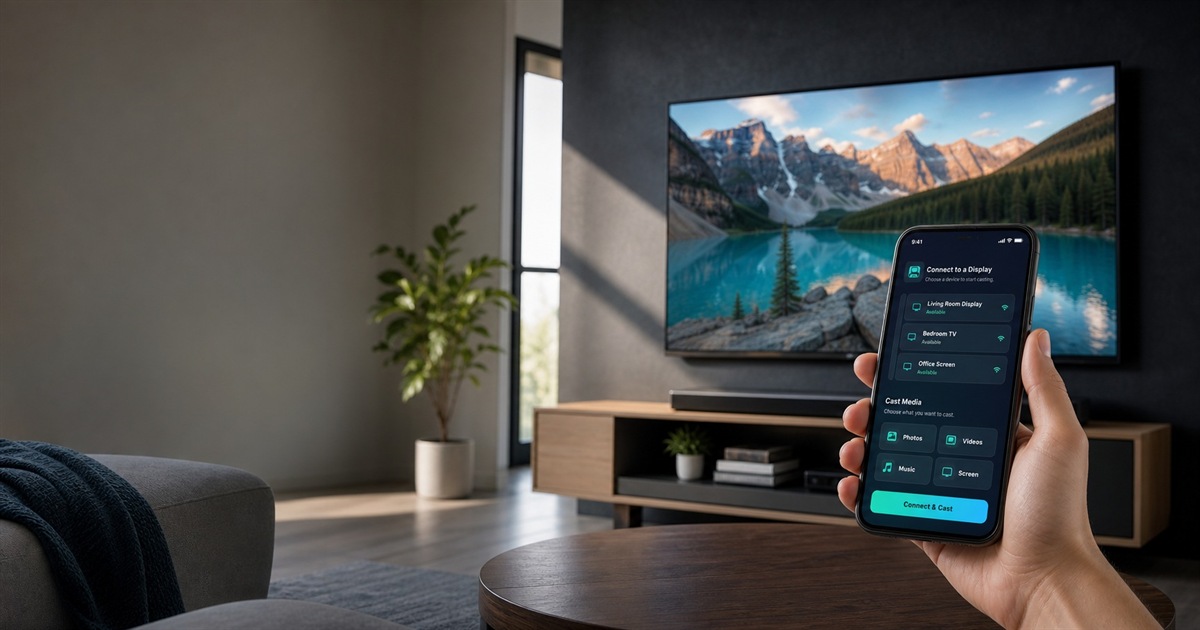
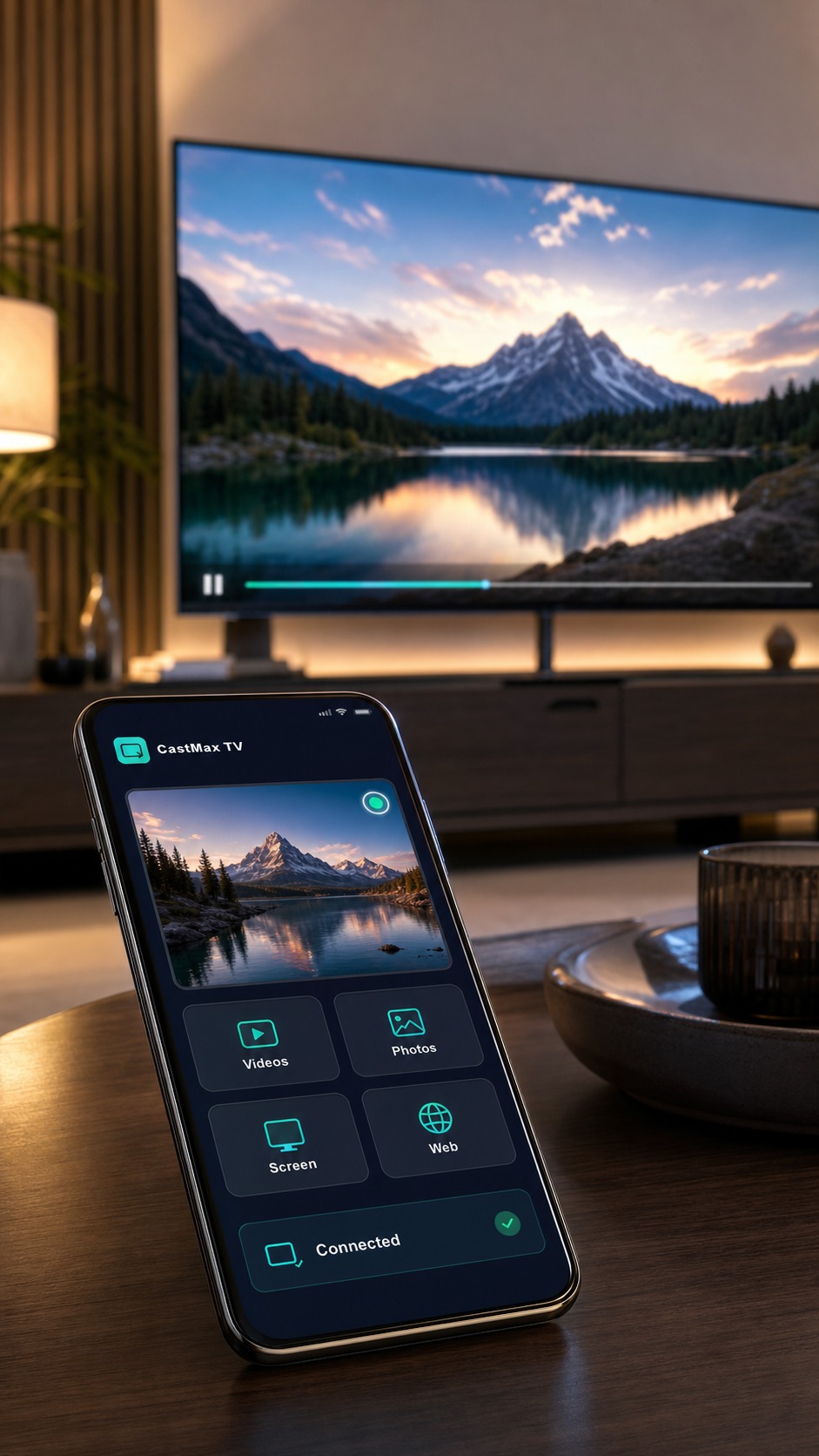
CastMax TV running on an Android phone while content is cast to a TV
Core Features

Simple tools for everyday casting.

CastMax TV focuses on fast setup, clean playback, and practical Android screen sharing.

Cast to TV

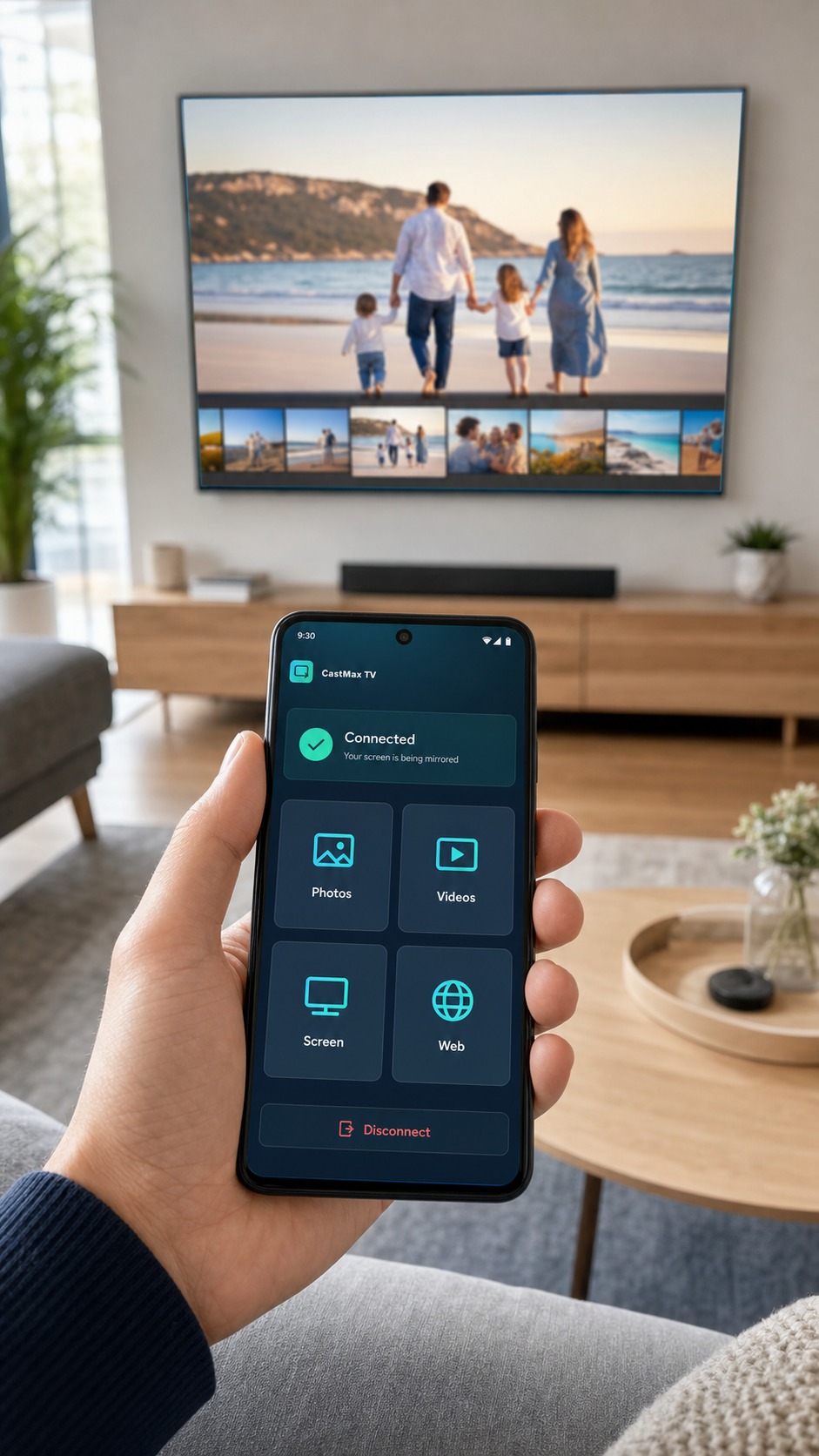
Send videos and photos from your Android phone to a larger screen.

Screen Mirroring

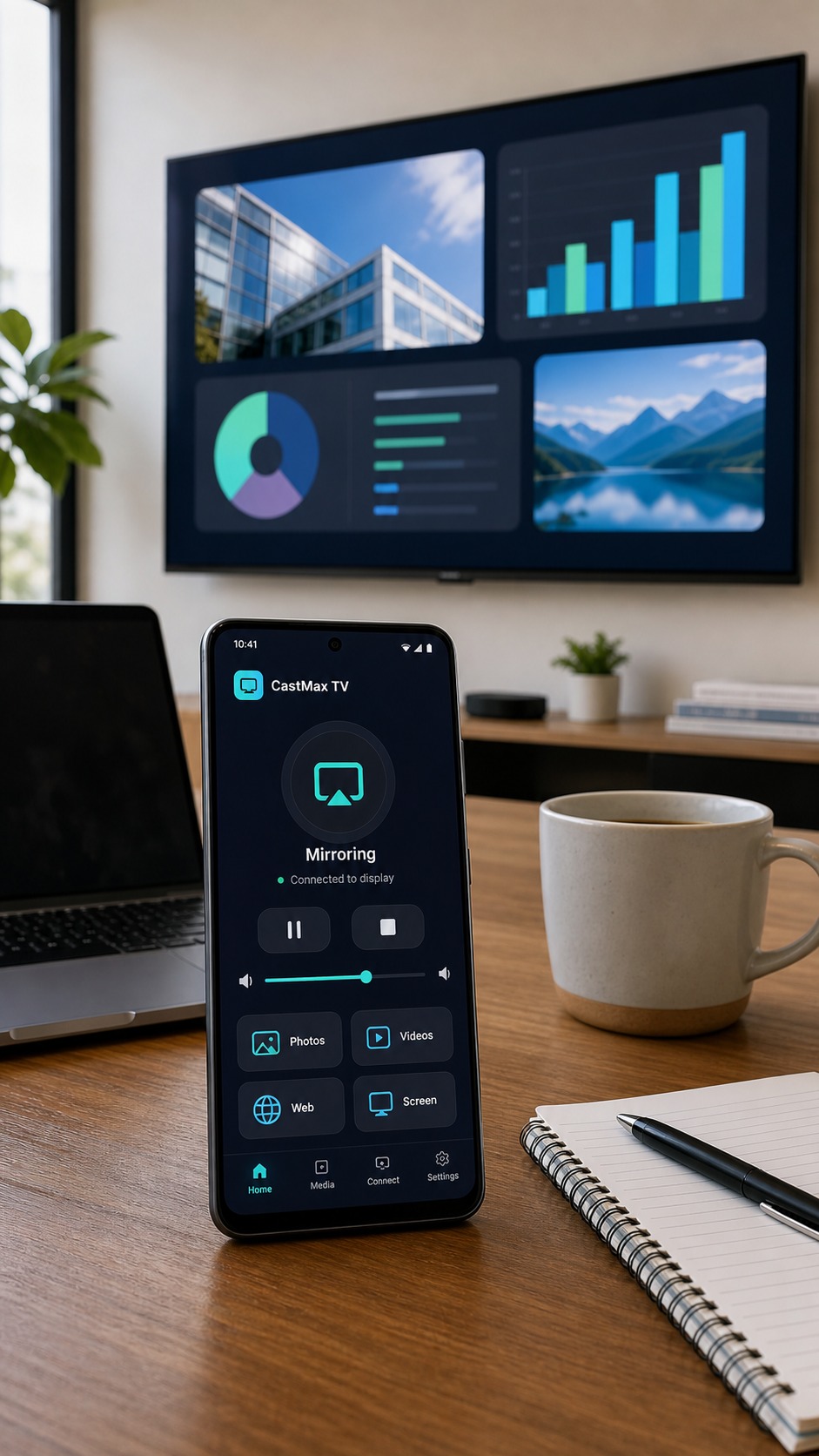
Mirror your Android screen for presentations, videos, or family sharing.

HD & 4K Supported

Enjoy high-quality playback on compatible devices and networks.

100% Free

Start casting without subscription or credit card.

No Ads

Clean viewing experience without annoying in-app ads.

Fast Setup

Download, install, connect, and start casting in minutes.

App Preview

Real-world casting made simple.

Cast videos, mirror your screen, and share photos in familiar everyday settings.
Android phone casting a scenic video to a TV in a living room
Cast Videos Video casting preview
Android phone mirroring a presentation to a large office display
Mirror Screen Screen sharing preview
Android phone sharing family photos to a large TV
Cast Photos Photo sharing preview
How It Works

How to Start Casting

Step 1

Download the APK

Tap the download button and save the Android APK file.

Step 2

Install the App

Allow installation from your browser if your device asks for permission.

Step 3

Connect & Cast

Open CastMax TV, connect to the same Wi-Fi, and start casting.

Trust

Built for Simple Android Casting

  • No subscription required
  • No credit card needed
  • No account required
  • Lightweight APK
  • Works on most Android phones
  • Designed for fast setup
FAQ

Common Questions

Is CastMax TV free?
Yes. CastMax TV is free to download and start using.
Does the app show ads?
No. The app is designed for a clean, no-ads experience.
Does it support 4K?
HD and 4K playback are supported on compatible devices, displays, and network conditions.
Can I mirror my Android screen?
Yes. You can mirror your Android screen to a larger display.
Do I need a subscription?
No subscription or credit card is required.
How do I install the APK?
Download the APK, allow installation from your browser if prompted, then open the app.

Ready to Cast to Your TV?

Download CastMax TV for Android and start casting videos, photos, and your screen in minutes.